50% off
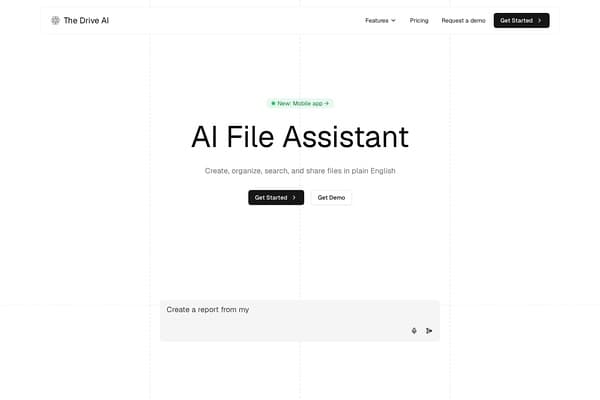
The Drive AI
AI assistant for smart, content-focused file organization and management.
AI Productivity·freemium50% off →
Bulk delete and archive ChatGPT conversations efficiently.
ChatSweep is a dedicated Chrome extension crafted to significantly streamline the management of ChatGPT conversations. It empowers users to perform bulk deletions or archives of multiple ChatGPT chats at once, sidestepping the tedious and time-consuming process of deleting conversations one-by-one directly from the ChatGPT sidebar. By introducing checkboxes alongside loaded chats, ChatSweep facilitates easy selection and offers a seamless workflow to either remove or archive unwanted conversations.
Privacy and safety are foundational to ChatSweep’s design. All operations take place entirely within the user’s browser, ensuring no chat data is transmitted to external servers. The extension also incorporates strict safeguards: it protects the currently active chat to prevent accidental deletion, requires explicit user confirmation before erasing chats, and pauses the bulk deletion process if unexpected interface changes occur or uncertainty arises. With support for 26 interface languages and multiple pricing plans, ChatSweep caters to casual users and power users alike, helping everyone maintain an organized and clutter-free ChatGPT sidebar without losing important conversation history.
ChatSweep offers a freemium pricing model designed to suit various user needs. The Free plan is available at no cost, requiring no payment card, and permits one bulk deletion session per day, allowing selection of up to 10 chats per cleanup. This is ideal for casual users with occasional cleanup needs.
The Pro plan costs $19.99 annually (approximately $1.67 per month), providing unlimited bulk deletions with no chat limit per batch, along with the ability to bulk archive conversations. This plan is tailored for users who require regular and extensive sidebar management.
For users preferring a one-time payment, the Lifetime plan is available for $39.90, offering all Pro features plus all future updates without any recurring fees. Access to paid plans is managed through account sign-in on the extension, with purchase verification handled via their server, while cleanup actions remain client-side.
All plans come with safety features including current chat protection, confirmation dialogs before deletion, and automatic pauses if uncertainties in the interface arise.
Pros
Cons
ChatSweep deletes only the chats you have loaded in the ChatGPT sidebar and selected. It doesn't automatically fetch or delete your entire chat history. You can scroll to load more chats before selecting them for bulk deletion.
Yes, with the Pro and Lifetime plans, ChatSweep lets you bulk archive selected chats, removing them from the sidebar but preserving their content for later reference.
No, ChatSweep protects the open chat from deletion to prevent accidental loss of active conversations during bulk cleanup.
No, all chat deletion and archiving processes happen locally within your browser. Only account and billing information are handled on their secure servers.
ChatSweep has compatibility checks and will pause if expected controls cannot be verified. Users should wait for extension updates that address interface changes to continue safe use.
You purchase a plan on the ChatSweep website and then sign in within the extension using the same Google account or verified email. The plan syncs automatically. You can manage or cancel your subscription via your account page.
Need to organize your AI tool files?
Managing files from ChatSweep: ChatGPT Bulk Delete and other tools? The Drive AI automatically organizes, tags, and retrieves all your files with AI.
Try The Drive AI freeAI assistant for smart, content-focused file organization and management.
Clean your Android or Google TV, remove ads, and customize home screen.
Create and manage seating arrangements for events easily.