Lyria 3 AI Music Generator
Generate AI-powered songs with vocals, lyrics, and instruments effortlessly.
AI Audio & Music·freemium
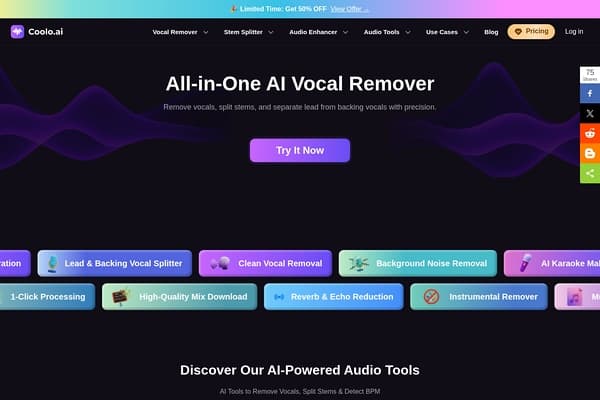
Remove vocals and enhance audio with Coolo AI's advanced tools!
Coolo AI harnesses cutting-edge artificial intelligence to transform the way users interact with audio content. Designed for musicians, producers, and educators, it offers tools for seamless vocal removal, stem separation, and enhanced sound quality. With Coolo AI, users can manipulate audio files and achieve professional-grade results without the need for complex software or extensive technical skills.
The platform stands out by providing a straightforward online experience where creativity meets technology. Users can easily upload their audio files, choose their desired functions, and receive refined output in mere seconds. This accessibility allows both novices and seasoned professionals to elevate their audio projects, making Coolo a must-have tool in the digital audio landscape.
Coolo AI Pricing Plans:
Pros
Cons
Coolo AI supports various audio formats including MP3, WAV, and AAC, allowing for versatile use across platforms.
Yes, while there is no limit on the number of songs, the free version has some feature restrictions.
Coolo AI uses advanced algorithms to identify and filter out unwanted background sounds while preserving vocal clarity.
Absolutely! Coolo AI is designed to cater to both amateur and professional audio needs with high-quality output.
Currently, Coolo AI is primarily web-based, but it is accessible via mobile browsers.
Need to organize your AI tool files?
Managing files from Coolo AI and other tools? The Drive AI automatically organizes, tags, and retrieves all your files with AI.
Try The Drive AI freeGenerate AI-powered songs with vocals, lyrics, and instruments effortlessly.
AI-powered speech-to-text tool supporting 60 languages with speaker labeling.
Generate complete songs with lyrics, editable scores, and vocal performances.