Jev
Fast, cheap decision-making AI model optimized for developers.
AI Developer Tools·freemium
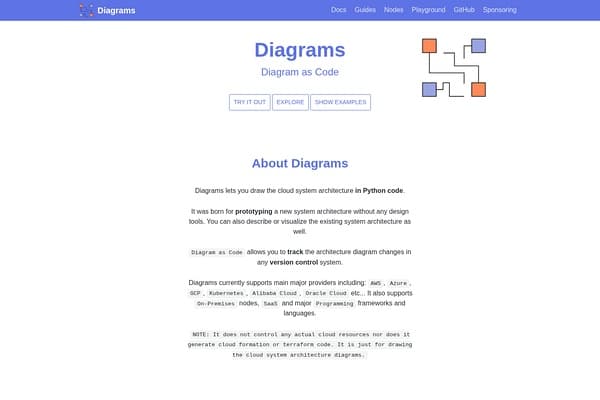
Create cloud architecture diagrams easily with Python code.
Diagrams is a cutting-edge open-source tool designed to transform how engineers and architects visualize cloud system architectures. Unlike traditional drag-and-drop diagram tools, Diagrams leverages code—specifically Python—to construct precise and scalable architectural diagrams. This approach, known as 'diagram as code,' promotes version control integration, making diagrams maintainable and collaborative, and ideal for modern agile workflows.
Originally developed to help prototype and document evolving cloud architectures without the need for complex graphical tools, Diagrams supports a broad spectrum of cloud providers such as AWS, Azure, Google Cloud Platform, Kubernetes, Alibaba Cloud, and Oracle Cloud. Moreover, it extends support to on-premises setups, SaaS solutions, and programming technology icons, ensuring comprehensive depiction of various system components.
While Diagrams does not manage or deploy cloud resources like Terraform or CloudFormation, its focus on visualization through code empowers teams to communicate infrastructure designs clearly and track changes efficiently. Its open-source nature invites collaboration, fostering continuous improvement and adaptation to the changing landscape of cloud technologies.
Diagrams is completely free and open-source. There are no paid plans or subscriptions, allowing users to freely download, modify, and use the tool without limitations. Community support and documentation are available online via GitHub and the official website.
Pros
Cons
Diagrams requires basic knowledge of Python since you create diagrams by writing code. Beginners may need some programming familiarity to use it effectively.
No, Diagrams is solely for creating architecture diagrams and does not interact with cloud resources or perform deployments.
Diagrams supports many major cloud providers including AWS, Azure, Google Cloud, Kubernetes, Alibaba Cloud, Oracle Cloud, and supports on-premises and SaaS nodes as well.
Diagrams relies on Python scripts to define diagrams and does not offer a traditional GUI like drag-and-drop editors.
By defining diagrams as code, Diagrams integrates with version control systems such as Git, allowing teams to track changes, review, and collaborate efficiently.
Need to organize your AI tool files?
Managing files from Diagrams and other tools? The Drive AI automatically organizes, tags, and retrieves all your files with AI.
Try The Drive AI freeFast, cheap decision-making AI model optimized for developers.
Typed AI model delivering precise decision outputs for application branching.
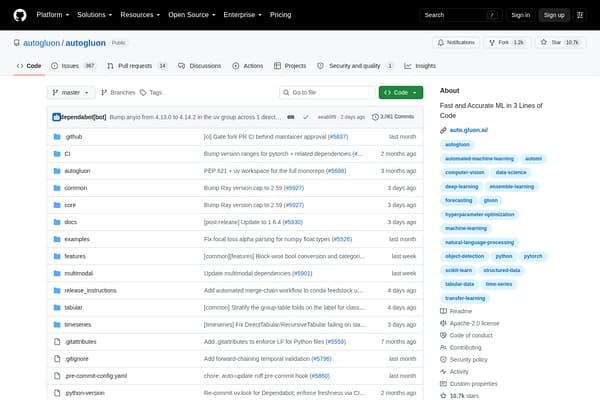
Rapid, high-accuracy ML with just three lines of code.