
Luma
Transform photos into stunning 3D models with AI-powered precision.
AI 3D & Gaming·freemium
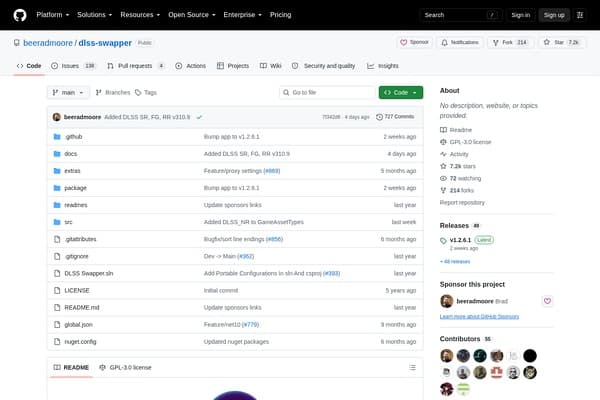
Optimize your game's graphics effortlessly with DLSS Swapper!
DLSS Swapper is a specialized application designed for gamers who wish to leverage the benefits of NVIDIA's DLSS technology, allowing improved performance and graphical quality in their favorite games. It empowers users to customize their gaming experience by enabling the swapping of graphics APIs quickly and efficiently, all without the hassle of having to update the game itself. The tool caters to a gaming community eager to maximize their visual output and performance.
Whether you’re keen on experimenting with different settings to achieve the perfect balance of visuals and performance, or simply wish to downgrade to an earlier version, DLSS Swapper provides all the necessary tools and community engagement to do so. With a dedicated following, users can share their experiences and tweaks, ensuring that the potential of this tool is fully realized across different gaming platforms.
DLSS Swapper is entirely free to use. There are no premium features; the tool provides all functionalities at no cost to users.
Pros
Cons
DLSS Swapper is a tool that allows users to download, manage, and swap different DLL files for NVIDIA's DLSS technology in supported games, optimizing graphics performance.
Yes, DLSS Swapper is completely free. There are no hidden fees or premium features.
DLSS Swapper can be used with Steam, Epic Games, GOG, Ubisoft Connect, and more.
Absolutely! The tool allows you to restore original DLLs if you encounter any issues after swapping.
No, DLSS Swapper is designed to be intuitive and user-friendly, requiring no coding knowledge.
Need to organize your AI tool files?
Managing files from dlss-swapper and other tools? The Drive AI automatically organizes, tags, and retrieves all your files with AI.
Try The Drive AI freeTransform photos into stunning 3D models with AI-powered precision.
AI-driven quest generation for roguelite games, boosting replayability and story depth.
Browser-based AI tool converting images or text prompts into 3D models.