FaceBlur
Blur faces in videos without watermarks or accounts.
AI Video·free
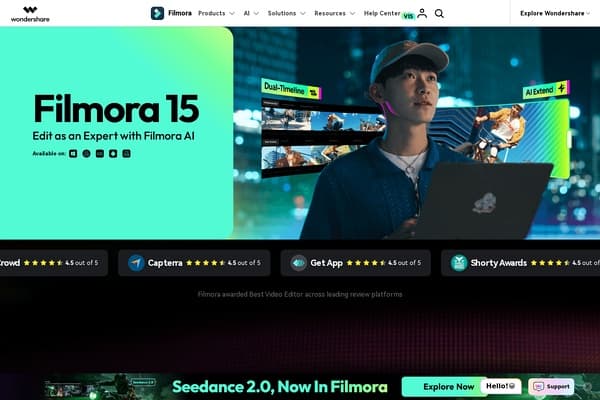
Video editing software that incorporates AI features to simplify the editing process.
Wondershare Filmora is an innovative AI-powered video editing software designed to streamline the video creation process for users at any skill level. Whether you’re a professional content creator or a novice looking to enhance your video editing capabilities, Filmora provides a user-friendly interface combined with powerful AI features. This tool simplifies intricate editing tasks, allowing users to focus on their creativity while automating repetitive processes, making it a preferred choice for many video creators.
With Filmora, users gain access to a suite of editing tools featuring everything from basic cuts and transitions to advanced capabilities like audio ducking and auto beat synchronization. The software is not only available on desktop platforms but also on mobile devices, ensuring that you can edit videos anywhere. Its freemium pricing model allows users to explore basic features without a significant investment, while providing access to premium options for advanced features and resources, making it highly accessible for different budgets.
Wondershare Filmora offers a freemium pricing model. Basic features can be accessed for free, but users may choose to upgrade for additional features as follows:
Pros
Cons
Filmora requires a minimum of Windows 7/8/10 (64-bit) or macOS 10.12 or later, with at least 8 GB of RAM and 10 GB of free hard disk space.
Yes, Filmora offers a free version, but videos exported from this version will have a watermark. You can upgrade for full functionality and to remove the watermark.
Absolutely! Filmora provides several advanced features that meet the needs of professional editors, along with an intuitive interface for speed and ease.
Filmora is available on both desktop (Windows and macOS) and mobile platforms (iOS and Android), offering flexibility for users.
Filmora is versatile enough to create a wide range of videos, including social media posts, YouTube vlogs, promotional trailers, educational tutorials, and more.
Need to organize your AI tool files?
Managing files from Filmora and other tools? The Drive AI automatically organizes, tags, and retrieves all your files with AI.
Try The Drive AI free