FaceBlur
Blur faces in videos without watermarks or accounts.
AI Video·free
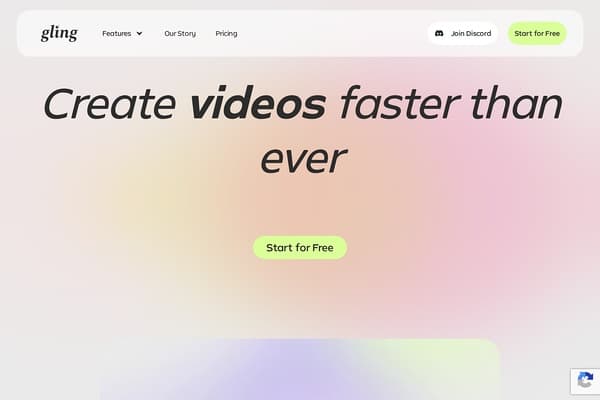
Instantly create videos with AI-driven editing tools to enhance storytelling.
Gling is an innovative AI video editing software designed specifically for YouTube creators seeking to maximize their content's impact through efficient editing. In today’s fast-paced digital landscape, where attention spans are short and competition is fierce, Gling offers a range of powerful, AI-driven features that simplify the video production process. With its intuitive interface and state-of-the-art technology, users can effortlessly transform raw footage into polished videos with minimal manual intervention. This makes Gling an invaluable tool for content creators who want to focus more on storytelling and less on tedious editing tasks.
The software allows creators to save significant time by automatically removing bad takes, silences, and filler words from their videos. Gling not only enhances the quality of your content but also enhances your workflow, enabling you to create engaging and professional-looking videos faster than ever. With features such as AI-powered captions, auto zooming (for better framing), and smart title generation, Gling redefines how creators approach video editing and content optimization. Whether you're a seasoned YouTuber or just starting out, Gling promises to be your ultimate ally in the quest for standout content.
Gling operates on a freemium model. Users can start for free with basic features, while premium options are available for more advanced tools and capabilities. Specific pricing details may vary; please refer to the Gling website for the most up-to-date information.
Pros
Cons
Gling is versatile enough to handle various types of videos including tutorials, vlogs, product reviews, and educational content, making it a great tool for YouTube creators.
Yes, Gling supports both video and audio files, allowing users to easily create voiceovers and enhance their content with an audio track.
Absolutely! After the AI edits your video, you can manually refine it to your liking using Gling's intuitive editing tools.
Yes, Gling is designed with user-friendliness in mind. Its features are intuitive, making it accessible even for those who are just starting their video editing journey.
Gling offers a freemium model, which means you can start using the basic features for free, with optional premium features available for a fee.
Need to organize your AI tool files?
Managing files from Gling and other tools? The Drive AI automatically organizes, tags, and retrieves all your files with AI.
Try The Drive AI free