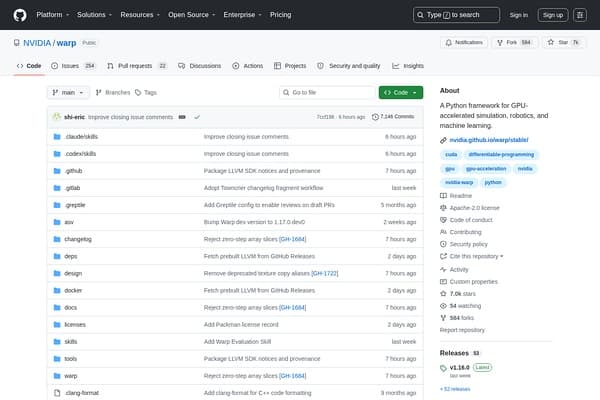
warp
Accelerate simulations & ML with Warp's powerful GPU framework.
AI Developer Tools·free
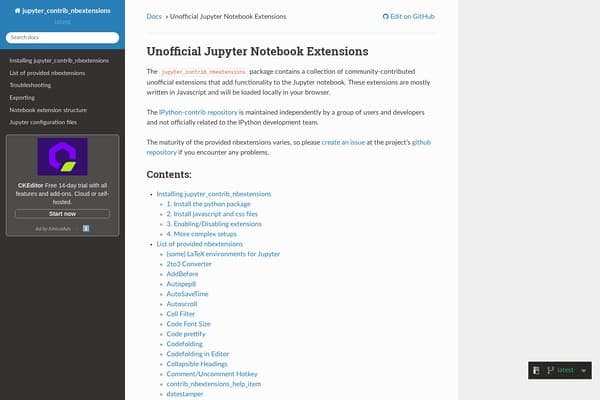
A collection of useful extensions that enhance the Jupyter Notebook interface for a better coding experience.
Jupyter Notebook Extensions, hosted at the unofficial jupyter_contrib_nbextensions, is a treasure trove of enhancements for Jupyter Notebook users. This collection of community-contributed extensions enables users to supercharge their coding experience with functionality that is not available in the standard Jupyter setup. Developed by an independent group of enthusiasts, these extensions are built primarily in JavaScript, allowing for rich interaction and customization right within the browser interface. Whether you're delving into data science, machine learning, or scientific research, these extensions help tailor your Jupyter environment to better meet your needs.
The diversity of these extensions caters to differing user preferences. From code prettification to autocompletion features, each extension serves a unique purpose designed to streamline workflow and boost productivity. Moreover, the community-driven nature of jupyter_contrib_nbextensions means that user feedback is valued, with prospects for new features constantly evolving based on user demands. Since it is essential to ensure smooth operation, the documentation is extensive, guiding users on installation, usage, and troubleshooting. This ensures that both beginners and advanced users can find a foothold and take full advantage of the power offered by these enhancements.
Jupyter Notebook Extensions are available for free under a freemium model. While the base functionalities are freely accessible, advanced features and specific community contributions may have varying levels of support or enhancements that may come from additional paid services in the future.
Pros
Cons
Jupyter Notebook Extensions are additional features that enhance the default functionality of Jupyter Notebooks, allowing for improved coding, documentation, and visualization options.
Installation involves adding the jupyter_contrib_nbextensions package via pip and following the documentation to enable the desired extensions in your notebook environment.
Yes, the basic functionalities of the Jupyter Notebook Extensions are free; however, some advanced features may require support that could involve a cost.
Primarily, these extensions enhance Python coding within Jupyter Notebooks, but they can also support other languages compatible with Jupyter, such as R and Julia.
Absolutely! Jupyter allows users to enable or disable extensions easily based on their needs, ensuring a flexible user experience.
Need to organize your AI tool files?
Managing files from Jupyter Notebook Extensions and other tools? The Drive AI automatically organizes, tags, and retrieves all your files with AI.
Try The Drive AI free