50% off
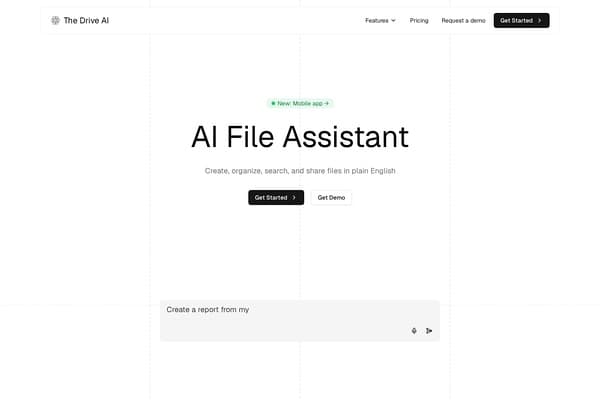
The Drive AI
Elevate your file management with The Drive AI's intuitive document solutions.
AI Productivity·freemium50% off →
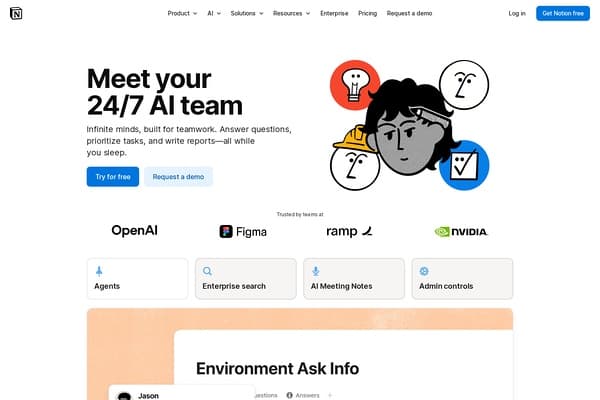
AI assistant built into Notion workspace
Notion AI is a powerful addition to the Notion workspace, seamlessly integrating advanced AI capabilities to enhance productivity and streamline workflows. This innovative tool empowers teams and individuals to summarize content, generate text, enhance writing quality, extract actionable items, and even perform translations—all while working within the familiar Notion environment. By leveraging its intuitive AI features, users can automate mundane tasks and focus on high-value activities, fostering a more efficient and collaborative workspace. Whether you're managing projects, brainstorming ideas, or collaborating with teammates, Notion AI transforms how you interact with your work documents.
Pricing Plans:
Pros
Cons
Notion AI provides a variety of features, including content summarization, writing enhancement, action item extraction, translations, and in-workspace AI functionalities.
Yes, Notion offers a free plan that allows users to explore basic AI features and manage personal projects without any cost.
Notion AI can connect with multiple applications like Slack, GitHub, and Google Drive, enabling seamless workflows across platforms.
Yes, Notion adheres to strict security standards, including SOC 2 Type 2 and ISO 27001 certifications, to protect user data.
Absolutely. Notion AI features custom agents that can automate repetitive processes, freeing your team to focus on more critical tasks.
Need to organize your AI tool files?
Managing files from Notion AI and other tools? The Drive AI automatically organizes, tags, and retrieves all your files with AI.
Try The Drive AI freeElevate your file management with The Drive AI's intuitive document solutions.
Share text, images, and files across devices securely.
Free browser-based monitor test and display tools.