50% off
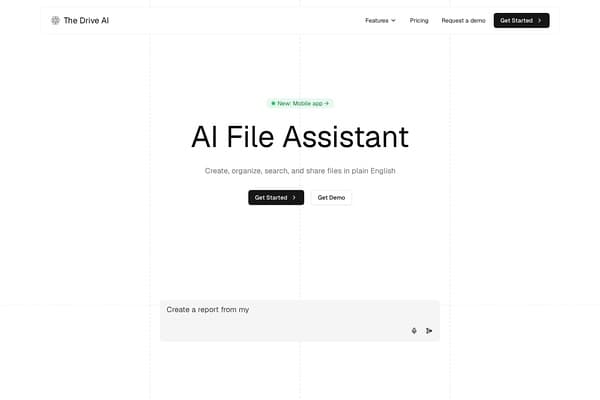
The Drive AI
AI assistant that organizes and manages your team’s files smartly.
AI Productivity·freemium50% off →
Unified conversation space for text, images, music, and video
Novera is a versatile, open-source AI productivity application designed to integrate multiple media types — including text, images, music, and video — into a single, unified conversational workspace. Available across major platforms such as Windows, Linux, macOS, and Android, it offers users a seamless environment to prepare, execute, and organize creative and professional content. Novera supports both local processing using installed AI models and cloud-based APIs, leveraging the user’s hardware capabilities and preferences for flexible AI-powered workflows.
The tool emphasizes security and reliability with signed updates across all versions, including a portable Windows option and a signed Android APK. Its extensive support for over 80 interface languages, 42 cloud providers, and 49 media presets makes it highly adaptable for global users and various AI services. As an Apache 2.0 licensed open source project, Novera promotes community collaboration, encouraging sharing of creations, models, and configurations to help everyone enhance their productivity.
With regular updates and comprehensive platform support, Novera stands out as a unified AI assistant designed for creatives, developers, and productivity enthusiasts seeking to blend multimodal AI tasks within a single dashboard.
Novera is completely free to download and use across all supported platforms, including Windows, Linux, macOS, and Android. As an open-source project licensed under Apache 2.0, there are no subscription fees or hidden charges. Users can benefit from the constant updates and community-driven enhancements at no cost. While some cloud API integrations might require users to have their own API keys depending on the provider, the core software and all software updates remain free and openly accessible.
Pros
Cons
Yes, Novera is completely free and open source under the Apache 2.0 license, allowing users to download, use, and modify it without any cost.
Novera is available on Windows (including portable and ARM64 versions), Linux, macOS (Intel and Apple Silicon), and Android. iOS support is planned but not yet available.
Yes, Novera supports local AI models that run on your device without internet access, although local capabilities depend on your hardware. Cloud API options require internet access.
Yes, Novera supports over 80 interface languages, making it accessible to users around the world.
Novera provides signed updates and secure software builds. However, users should keep API keys private and only share creations or configurations that do not contain sensitive information.
Absolutely. Novera is open source and encourages community contributions ranging from code, models, presets, to sharing usage experiences.
Yes, Novera includes 49 media presets designed to assist with generating text, images, music, and video efficiently.
Need to organize your AI tool files?
Managing files from Novera and other tools? The Drive AI automatically organizes, tags, and retrieves all your files with AI.
Try The Drive AI freeAI assistant that organizes and manages your team’s files smartly.
Free printable calendars with US holidays, no sign-up, no watermark.
Infinite canvas OS with AI agents and team collaboration.