50% off
The Drive AI
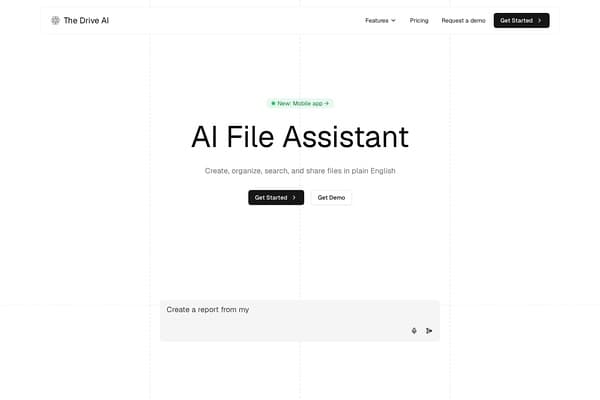
AI assistant that organizes and queries your files via natural language.
AI Productivity·freemium50% off →
Create live Mac menu bar widgets from plain English wishes without coding.
Wishbar is an innovative AI-powered productivity tool designed exclusively for Mac users. It enables users to create personalized, dynamic widgets right in their Mac menu bar simply by typing their wishes in plain English. Leveraging advanced AI, Wishbar interprets user requests and builds custom live widgets that display real-time information such as bin collection schedules, upcoming sports matches with live scores, stock price alerts, weather updates, and more. This seamless integration of live, glanceable data enhances workflow efficiency, all without requiring any coding skills.
With support for macOS 13 or later, Wishbar dynamically updates widgets with fresh data and can deliver timely notifications, making it easier to stay informed and organized. Its pay-once pricing model starting from $19, coupled with a 14-day money-back guarantee, encourages users to try the tool risk-free. By providing intuitive and visually appealing widgets that fit snugly into the menu bar, Wishbar empowers Mac users to tailor their workspace with information that truly matters to them, boosting productivity through simplicity and smart automation.
Wishbar offers a transparent and beginner-friendly pricing model. Users pay once starting at $19 to obtain the full application without any recurring subscription fees. The purchase includes access to all current features, with a 14-day money-back guarantee ensuring satisfaction without risk. There are no hidden costs or subscription tiers; users simply buy the app and own it. This pay-once approach makes Wishbar highly accessible for macOS users seeking long-term productivity enhancement without ongoing charges.
Pros
Cons
No programming is required. Wishbar uses AI to build widgets from your natural language wishes, so you simply type what you want and it creates the widget for you.
Wishbar supports macOS 13 (Ventura) and later versions only, ensuring compatibility with Apple's latest menu bar features.
Yes, Wishbar allows you to configure custom alerts and notifications that will notify you at specified conditions, such as stock price thresholds or upcoming meeting reminders.
Yes, there is a 7-day free trial available with no credit card required, and a 14-day money-back guarantee if you decide to purchase.
No, Wishbar operates on a pay-once model starting from $19 with no ongoing subscription fees.
Wishbar can integrate with your Mac calendar to display meetings and events, but it requests permission before accessing any personal data to ensure your privacy.
Need to organize your AI tool files?
Managing files from Wishbar and other tools? The Drive AI automatically organizes, tags, and retrieves all your files with AI.
Try The Drive AI freeAI assistant that organizes and queries your files via natural language.
Directory of free AI tools for various tasks and categories
Directory of online browser tools grouped by job categories.