50% off
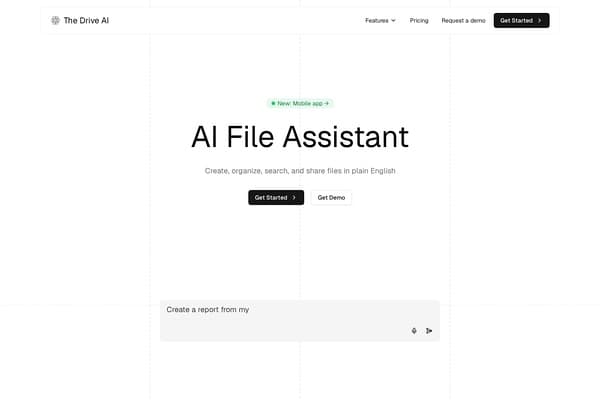
The Drive AI
AI-powered smart document management with natural language commands.
AI Productivity·freemium50% off →
Collaborate effortlessly with AI in shared documents.
Dock is the next-generation AI workspace that unites human intelligence with the power of AI agents. In an age where collaboration is key to success, Dock empowers teams to work together on shared documents and tables. The platform is designed to enhance productivity, providing tools that facilitate communication, idea sharing, and efficient project management. Each member can contribute their unique expertise while allowing AI to assist in routine tasks, making the overall process more efficient.
As more businesses turn to AI for a competitive edge, Dock stands out with its ability to create a collaborative environment where innovation thrives. Real-time editing allows for instantaneous feedback and creative brainstorming sessions, ensuring that ideas are captured and transformed into actionable insights. Designed for teams of all sizes, Dock is adaptable and scalable, meeting the needs of modern businesses in any industry.
Free Plan: Basic features for individuals and small teams. Pro Plan: $15/month per user for advanced features and additional storage. Enterprise Plan: Custom pricing for large organizations requiring tailored solutions.
Pros
Cons
Dock is accessible on web browsers and offers integrations with popular productivity tools including Google Workspace and Microsoft Office.
Yes, Dock employs industry-standard encryption practices to protect your data and ensure user privacy.
Absolutely! While Dock is great for teams, individuals can also leverage its features for personal project management.
Yes, Dock provides comprehensive tutorials and resources to help new users better understand the platform.
You can create a variety of documents, including reports, plans, presentations, and spreadsheets, all collaboratively.
Need to organize your AI tool files?
Managing files from Dock and other tools? The Drive AI automatically organizes, tags, and retrieves all your files with AI.
Try The Drive AI freeAI-powered smart document management with natural language commands.
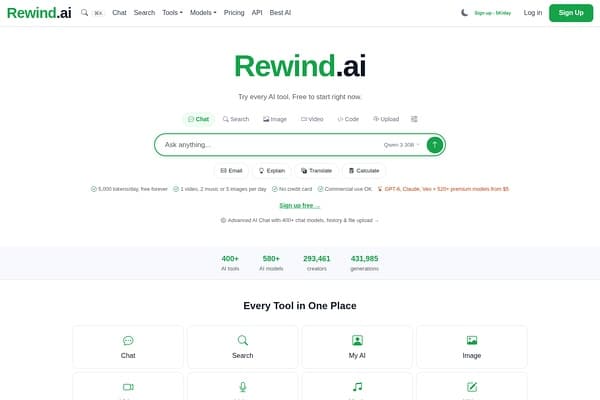
AI-powered personal memory tool to record and search your digital life.
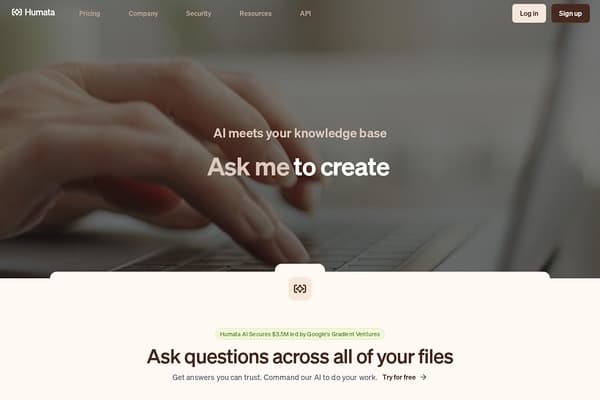
AI-powered tool that answers questions and summarizes your documents instantly.