
50% off
The Drive AI
AI assistant that organizes and manages your team’s files smartly.
AI Productivity·freemium50% off →
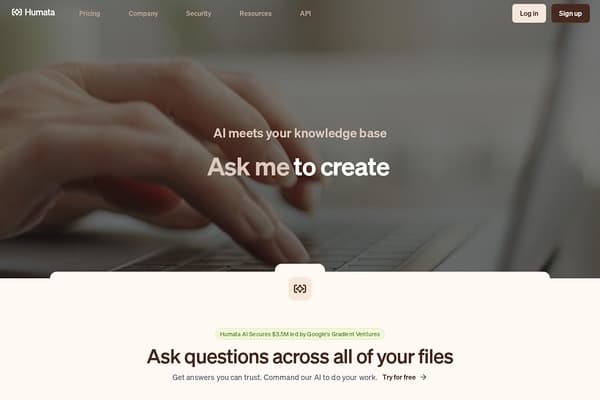
AI-powered tool that answers questions and summarizes your documents instantly.
Humata revolutionizes how individuals and teams interact with vast amounts of textual data by applying AI to your personal or organizational knowledge bases. Instead of manually reading lengthy PDFs or multiple files, Humata offers instant, trusted answers by parsing every uploaded document and citing relevant sections to build confidence in the results. It supports a wide variety of document types and can answer endless questions per your needs, enabling users to iterate on queries and refine summaries until they get the desired insights.
Designed for both personal productivity and enterprise use, Humata incorporates robust security features such as encrypted storage, role-based permissions, and upcoming single sign-on integrations to ensure sensitive information remains protected. Its ability to embed directly into webpages also empowers businesses to provide customized, document-based customer support or internal knowledge access.
Backed by prominent investors including Google's Gradient Ventures, Humata is rapidly gaining traction among researchers, educators, and professionals eager to make informed decisions faster. Whether you are conducting academic research, managing corporate documents, or teaching students, Humata simplifies accessing and understanding complex information so you can focus on what matters most.
Humata offers a Free plan allowing access to basic features with up to 60 pages and 10 answers per month at no cost. The Expert plan costs $9.99 per month, includes 3 users, up to 500 free pages, with additional pages charged at $0.02 each, and premium chat support. The Team plan is priced at $49 per user per month, supporting 10 users, 5,000 free pages, with additional pages at $0.01 each. It adds advanced features like department and folder-level permissions, OCR processing for images and scanned text, and response personalization. For enterprises needing more than 10 users and custom solutions, Humata offers tailored pricing upon contact with their sales team.
Pros
Cons
Unlike ChatGPT, which generates general AI responses, Humata specifically reads your uploaded documents and answers questions based solely on their content with accurate citations.
Yes, Humata provides a free plan with limited pages and answers so users can explore its capabilities before upgrading.
Absolutely. You can upgrade or downgrade your plan anytime based on your evolving needs seamlessly.
Users have the flexibility to cancel their subscriptions at any time without penalties or hassles.
Yes, Humata uses enterprise-grade encryption, role-based access controls, and secure private clouds to protect your files and information.
The Team plan includes OCR capabilities to extract and analyze text from scanned documents and images.
Billing is monthly with fixed prices for each plan plus pay-as-you-go fees for additional pages beyond the included allotment.
Need to organize your AI tool files?
Managing files from Humata and other tools? The Drive AI automatically organizes, tags, and retrieves all your files with AI.
Try The Drive AI freeAI assistant that organizes and manages your team’s files smartly.
A local-first personal knowledge base for documents and media.
Free printable calendars with US holidays, no sign-up, no watermark.