50% off
The Drive AI
AI-powered smart document management with natural language commands.
AI Productivity·freemium50% off →
Branded file request forms for seamless file uploads.
EZ File Drop is a revolutionary AI-powered file management tool that streamlines the process of receiving files through a secure upload portal. With no need for account creation or complicated permission settings, uploaders can send files directly to cloud storage services such as Google Drive, Dropbox, OneDrive, or Box. This makes it not only user-friendly but also suitable for a myriad of applications—from small businesses to creative agencies. The platform automatically categorizes submissions based on user-defined criteria, ensuring that files are organized effectively, no matter their size or type.
EZ File Drop operates on a freemium model. The basic features are free, while premium options for advanced features and added storage can be accessed through monthly subscriptions starting at $10/month for more extensive organizational tools and customization options.
Pros
Cons
EZ File Drop prioritizes security by offering secure connections and the option to password-protect forms, ensuring that sensitive information is kept safe during file transfers.
Yes, EZ File Drop allows users to fully customize upload forms, including adding different field types to match your specific information collection needs.
EZ File Drop supports virtually all file types, so you can receive documents, images, videos, and more without restrictions.
No, uploaders do not need to create an account or deal with permission settings, making the process straightforward and efficient.
Submission files can be directly accessed via your linked cloud storage (like Google Drive or Dropbox), and you can also view and manage uploads from within your EZ File Drop account.
Need to organize your AI tool files?
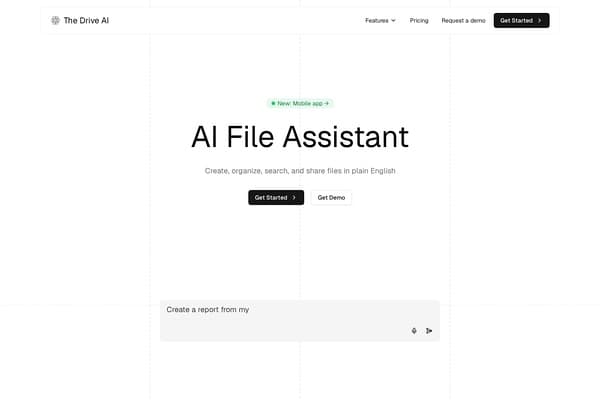
Managing files from EZ File Drop and other tools? The Drive AI automatically organizes, tags, and retrieves all your files with AI.
Try The Drive AI freeAI-powered smart document management with natural language commands.
AI-assisted website builder with visual editing, industry templates and multilingual publishing.
A curated platform for discovering AI, design, and development tools.