50% off
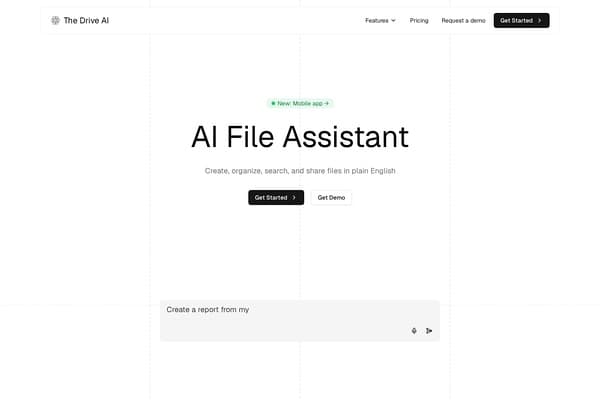
The Drive AI
AI-powered smart document management with natural language commands.
AI Productivity·freemium50% off →
Collaborative design made easy with Figma's real-time capabilities.
Figma is revolutionizing the design industry by offering a robust platform that brings teams together for real-time collaboration. Whether you are brainstorming ideas or finalizing designs, Figma ensures that every member of your team can contribute synchronously, regardless of their physical location. From high-fidelity prototyping to creating wireframes, the tool simplifies the design workflow and enhances creativity. Leading companies such as Microsoft, Dropbox, and Netflix utilize Figma to streamline their product design processes.
Designed for both beginners and seasoned professionals, Figma not only boasts an intuitive interface but also integrates with popular tools like Slack, JIRA, and GitHub. Users can seamlessly toggle between design and coding through its innovative features, turning abstract concepts into tangible products. The platform’s community offers a plethora of resources, templates, and plugins, ensuring that designers have the support they need to flourish in their creative endeavors. Embrace a new age of collaborative design with Figma, where inspiration and innovation meet efficiency!
Figma offers three main pricing tiers: 1) Free Plan: For individuals and small teams with basic features. 2) Professional Plan: $12 per editor/month when billed annually, includes advanced features like version history and team libraries. 3) Organization Plan: $45 per editor/month when billed annually, which includes everything in Professional and more robust security and administrative tools.
Pros
Cons
Yes, Figma offers a free plan with basic features, ideal for individual users and small teams.
Figma primarily operates in the cloud, so an internet connection is required; however, there’s limited offline access through the desktop app.
Figma allows you to export designs in PNG, JPG, SVG, and PDF formats.
Absolutely! Figma's real-time collaboration features enable multiple team members to work on designs simultaneously.
Figma is used across various industries including tech, healthcare, education, and marketing for creating design interfaces and prototypes.
Need to organize your AI tool files?
Managing files from Figma and other tools? The Drive AI automatically organizes, tags, and retrieves all your files with AI.
Try The Drive AI freeAI-powered smart document management with natural language commands.
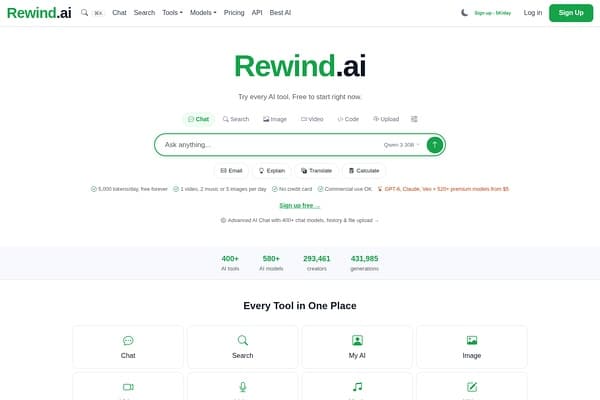
AI-powered personal memory tool to record and search your digital life.
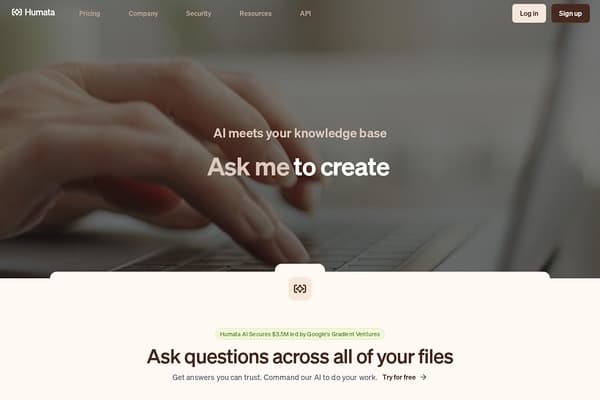
AI-powered tool that answers questions and summarizes your documents instantly.