50% off
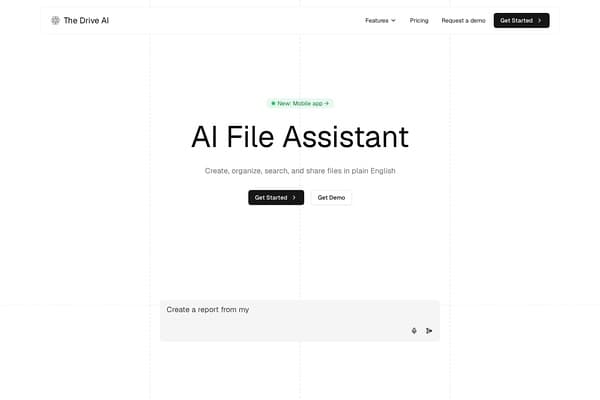
The Drive AI
AI assistant that organizes and queries your files via natural language.
AI Productivity·freemium50% off →
Convert documents to clean Markdown locally in your browser for free.
MarkItDown Online is a powerful, browser-based tool designed to convert a wide variety of document formats into clean, structured Markdown, all processed locally without the need for file uploads. Supporting formats like PDF, DOCX, PPTX, XLSX, HTML, CSV, JSON, and XML, it preserves the essential document structure including headings, lists, tables, and hyperlinks. This streamlined Markdown output enables easier review, editing, and repurposing especially within AI-driven workflows and note-taking systems.
The tool offers a free Basic mode that processes single files up to 10 MB directly in your browser, prioritizing privacy and speed by never uploading your data to the cloud. For more complex or scanned documents, an Advanced OCR service is available which supports files up to 50 MB, requiring account sign-in and a starting price of $1.99. Developers and power users can also access the original open-source Python package for automation, batch processing, or custom integration.
MarkItDown Online is an independent service that does not provide persistent hosting or shared downloads, making it an ideal solution for users who want quick, secure, and efficient document-to-Markdown conversions without installing software.
MarkItDown Online operates on a freemium model. The Basic plan is free and allows users to convert a single file up to 10 MB entirely in the browser without uploading any data, ensuring privacy and instant processing. For larger files, scanned documents, or those with complex layouts, the Advanced OCR service is available starting at $1.99 for up to 50 MB of document size. Access to Advanced OCR requires creating an account and signing in. Pricing scales based on file size and usage limits may apply for heavier users or enterprises. The open-source Python package is free, offering developers a no-cost option for automation and local batch processing, though it requires manual installation and technical expertise.
Pros
Cons
No, MarkItDown is an open-source project from Microsoft, but MarkItDown Online is an independent online converter created to provide an easy-to-use browser interface.
No installation is required for the online converter; you can simply upload or drop a supported local file in your browser and convert it immediately.
It supports PDF, DOCX, PPTX, XLSX, HTML, CSV, JSON, and XML files, preserving their structure in Markdown format.
Scanned PDFs require the Advanced OCR service, which is a paid feature requiring user sign-in for processing files up to 50 MB.
The free Basic mode processes files locally in your browser up to 10 MB to ensure quick performance and privacy without uploading your file.
For batch processing or automation, you can install the original open-source MarkItDown Python package on your machine.
Yes, the output preserves headings, lists, tables, and links, making it ideal for use in AI assistants like ChatGPT, Claude, Obsidian, Notion, and RAG workflows.
Need to organize your AI tool files?
Managing files from MarkItDown Online and other tools? The Drive AI automatically organizes, tags, and retrieves all your files with AI.
Try The Drive AI freeAI assistant that organizes and queries your files via natural language.
Discover and compare AI tools for creative and automation tasks.
AI-powered OCR and summarization for images, documents, slides, and videos