50% off
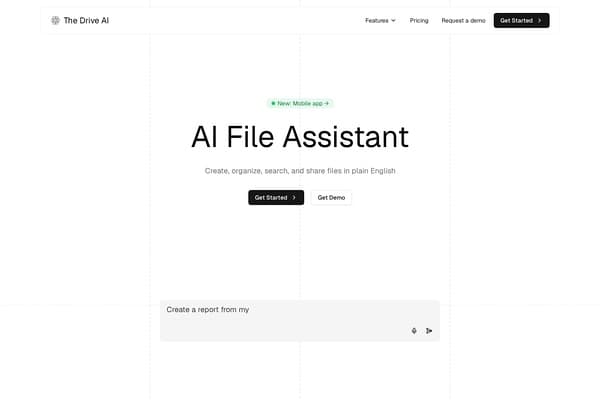
The Drive AI
AI-powered smart document management with natural language commands.
AI Productivity·freemium50% off →
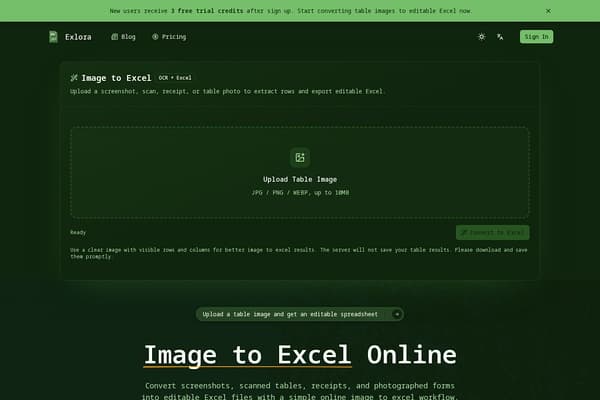
Transform images into editable Excel files effortlessly.
Exlora is designed for anyone who frequently deals with spreadsheets but struggles with the tedious task of manual data entry. Whether you're managing receipts, academic research, or business reports, converting images of tables to Excel can save you hours of work. The tool prioritizes ease-of-use, enabling users to quickly upload an image, convert it, and download results without delay. This productivity-focused solution enhances workflow efficiency in an increasingly data-driven world. With Exlora, you can streamline your data management and focus on what truly matters while ensuring accuracy in your spreadsheets.
Exlora’s user-friendly interface is perfect for both seasoned professionals and novices alike. By minimizing the complexities often associated with data entry tasks, it empowers users to maximize their productivity. In addition, Exlora emphasizes the importance of review; users can inspect the extracted data before using it, thus maintaining a high standard of quality and accuracy in their work.
Pros
Cons
Image to Excel refers to the process of converting graphical representations of tables, such as images or scans, into editable Excel spreadsheet formats.
Clear images with distinct rows and columns yield the best results; avoid images with shadows or blurriness.
Yes, but it’s recommended to review the extracted data for accuracy before relying completely on it.
No, Exlora is a web-based tool and works with any standard web browser without requiring additional plugins.
Need to organize your AI tool files?
Managing files from Exlora and other tools? The Drive AI automatically organizes, tags, and retrieves all your files with AI.
Try The Drive AI freeAI-powered smart document management with natural language commands.

AI-powered personal memory tool to record and search your digital life.

AI-powered tool that answers questions and summarizes your documents instantly.