50% off
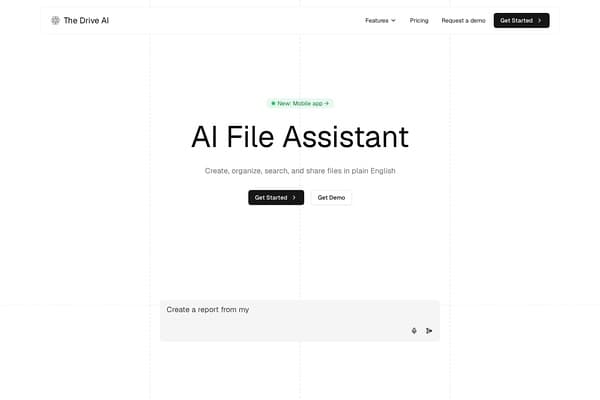
The Drive AI
AI assistant that organizes and queries your files via natural language.
AI Productivity·freemium50% off →
Export ChatGPT chats to PDF, Word, Markdown, and more locally.
GPT2PDF is a versatile browser-based productivity tool designed to transform ChatGPT conversations into a wide array of editable and shareable document formats including PDF, editable PDF, Word (.docx), Markdown, HTML, PNG, TXT, JSON, and even Knowledge Packs. It allows users to capture and preserve their AI-generated dialogues efficiently while maintaining the original formatting of complex elements like equations, code blocks, tables, and images.
Emphasizing user privacy, GPT2PDF processes all exports locally within the browser without requiring any account creation or server uploads. This ensures that sensitive conversation data remains secure on the user's device. Additionally, GPT2PDF supports long conversations exceeding 60 pages, offers selective message exports to create focused documents, as well as batch exporting capabilities for managing multiple chats simultaneously.
GPT2PDF follows a freemium pricing model. The Free plan offers essential local exports without requiring an account and includes PDF, Markdown, HTML, PNG, TXT, JSON, and Knowledge Pack formats. It limits editable PDF and Word exports to 5 per week and allows only one batch export run capped at 10 conversations. To unlock full capabilities, users can purchase the GPT2PDF Pro version at a one-time launch price of $19.99 (discounted from $49). This Pro plan provides unlimited editable PDF and Word exports, unlimited batch exports on up to 3 devices, and lifetime access without subscriptions or recurring fees. Both tiers preserve privacy with local processing only and no content uploads to servers.
Pros
Cons
GPT2PDF supports multiple export formats including PDF, editable PDF, Word (.docx), Markdown, HTML, PNG, TXT, JSON, and Knowledge Pack, allowing you to choose the best format for your needs.
Yes, GPT2PDF lets you selectively choose which messages to export, helping you focus on relevant content and keep documents concise and organized.
Absolutely! GPT2PDF supports exporting very long ChatGPT conversations, even those exceeding 60 pages, providing visible progress tracking and split-friendly outputs to manage large documents.
No account is required. GPT2PDF processes all exports locally in your browser without uploading content to any server, prioritizing privacy and ease of use.
The Pro version offers unlimited editable PDF and Word exports, unlimited batch exports, and activation on up to 3 devices with a one-time lifetime payment, removing the export limits imposed on the free tier.
Need to organize your AI tool files?
Managing files from GPT2PDF and other tools? The Drive AI automatically organizes, tags, and retrieves all your files with AI.
Try The Drive AI freeAI assistant that organizes and queries your files via natural language.
AI tool converting text, PDF, YouTube into editable mind maps.
Convert documents to clean Markdown locally in your browser for free.